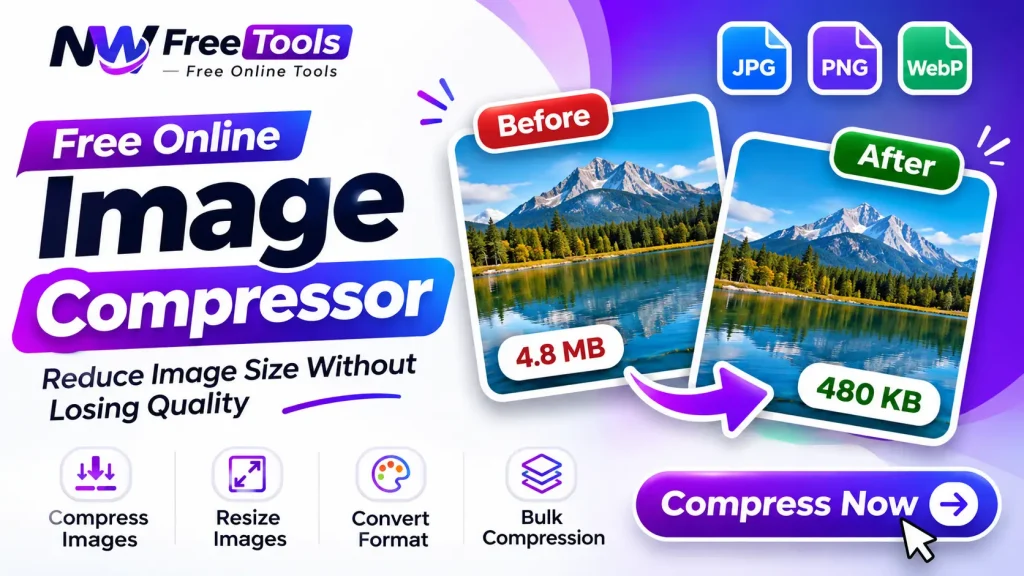
Free Image Compressor Online – Reduce Image Size Without Losing Quality
Images are an important part of websites, blogs, social media, and digital projects. However, large image files can take up unnecessary storage space and slow down website loading speeds. That’s why using a reliable image compressor is essential.
With NW FreeTools Image Compressor, you can compress images online for free, reduce image file sizes, and maintain excellent visual quality. Whether you need to compress JPG, PNG, or WebP images, this free online tool makes the process simple and convenient.
What Is an Image Compressor?
An image compressor is an online tool or software that reduces the file size of images while preserving as much of their original visual quality as possible.
Image compression helps optimize images for websites, emails, social media platforms, and online applications. Smaller image files are easier to upload, share, store, and manage.
Using an online image compressor saves time because you don’t need to install additional software on your computer.
Compress Images Online for Free
NW FreeTools provides a simple and user-friendly way to compress images directly in your browser.
Simply select your images, adjust the compression settings, and process your files. You can download your optimized images individually or together in a ZIP file.
Main features include:
- Free online image compression.
- Supports JPG, PNG, and WebP formats.
- Adjustable image quality settings.
- Resize images using maximum width and height.
- Scale images by percentage.
- Convert images into supported formats.
- Process multiple images together.
- Download compressed images in a ZIP file.
- Browser-based processing, so your images stay on your device.
How to Compress Images Without Losing Quality
Reducing image size doesn’t always mean sacrificing visual quality. With suitable compression settings, you can significantly reduce file sizes while keeping images looking clear.
Follow these simple steps:
- Open the NW FreeTools Image Compressor.
- Select or upload images from your device.
- Choose your preferred output format, such as JPG, PNG, or WebP.
- Adjust the image quality according to your requirements.
- Set the maximum width, height, or scale if you want to resize your images.
- Click the Process All button.
- Download your compressed images individually or as a ZIP file.
Your optimized images are ready to use!
Supported Image Formats
Our free image compressor supports three popular image formats.
1. JPG / JPEG Compressor
JPG is one of the most widely used image formats. It is suitable for photographs, website images, product pictures, and social media graphics.
Compressing JPG images can help reduce file sizes and make them easier to upload and share.
2. PNG Compressor
PNG is commonly used for logos, graphics, icons, and images that require transparent backgrounds.
Our tool supports PNG image compression and also includes additional image editing features.
3. WebP Compressor
WebP is a modern image format designed to provide efficient compression for web images.
Using WebP can help reduce image sizes and improve website performance when supported by your website platform and visitors’ browsers.
Additional Image Editing Features
NW FreeTools offers more than just image compression. You can also access useful image and color tools.
Image Resizing
Adjust image dimensions by setting maximum width, maximum height, or percentage scaling. This is useful when preparing images for websites, blogs, and online platforms.
Background Color Removal
The tool also includes a background color removal feature. You can select a background color and adjust the tolerance and edge settings to remove suitable background areas.
Color Picker and Palette Generator
Need to identify colors from an image? Use the built-in color picker to select colors and generate a color palette.
You can also copy HEX color values for use in graphic design and web development projects.
Why Should You Compress Images Before Uploading Them?
Image compression offers several benefits:
1. Faster Website Loading: Smaller images can help reduce page weight and improve website loading performance.
2. Save Storage Space: Compressed images require less storage space on your device or hosting account.
3. Easier File Sharing: Smaller image files are easier to send through email, messaging applications, and online platforms.
4. Better Website Optimization: Optimized images can contribute to better website performance and user experience.
5. Faster Uploads: Reduced file sizes can make uploading images more convenient, especially with slower internet connections.
Is NW FreeTools Image Compressor Safe?
Yes. NW FreeTools is designed to process images directly in your browser. Your selected images do not need to be uploaded to an external server for compression.
This browser-based approach helps keep your image files on your own device while you use the tool.
Who Can Use an Online Image Compressor?
An online image compressor can be useful for:
- Bloggers who want to optimize website images.
- Website owners who want smaller image files.
- Students preparing images for assignments.
- Graphic designers working with digital graphics.
- Online store owners optimizing product photographs.
- Social media users preparing images for sharing.
- Developers looking to improve website performance.
Frequently Asked Questions (FAQs)
1. Is NW FreeTools Image Compressor free?
Yes. You can use the NW FreeTools Image Compressor online without paying for image compression.
2. Can I compress JPG images online?
Yes. The tool supports JPG and JPEG image compression.
3. Can I compress PNG images?
Yes. You can process PNG images and use the available output format settings.
4. Does image compression reduce image quality?
Compression settings can affect visual quality. You can adjust the quality level to find a suitable balance between file size and image appearance.
5. Can I compress multiple images at once?
Yes. You can select multiple images, process them together, and download the results in a ZIP file.
6. Do I need to install software?
No. NW FreeTools Image Compressor works directly in your web browser.
7. Are my images uploaded to a server?
No. Image processing is performed directly in your browser, so your images stay on your device.
8. Can I resize images using this tool?
Yes. You can set maximum width, maximum height, or scale percentage while processing images.
Start Compressing Images Online Today!
Don’t let large image files slow down your workflow. Use NW FreeTools to compress JPG, PNG, and WebP images, resize pictures, and optimize your image files in just a few clicks.
Whether you’re managing a website, preparing product photos, or sharing images online, our free image compressor makes image optimization easier.
Try it now: Free Image Compressor – NW FreeTools
Explore more free online tools at NW FreeTools and make your everyday digital tasks easier!


