Free Online Image Tools – Compress, Resize, Convert & Edit Images
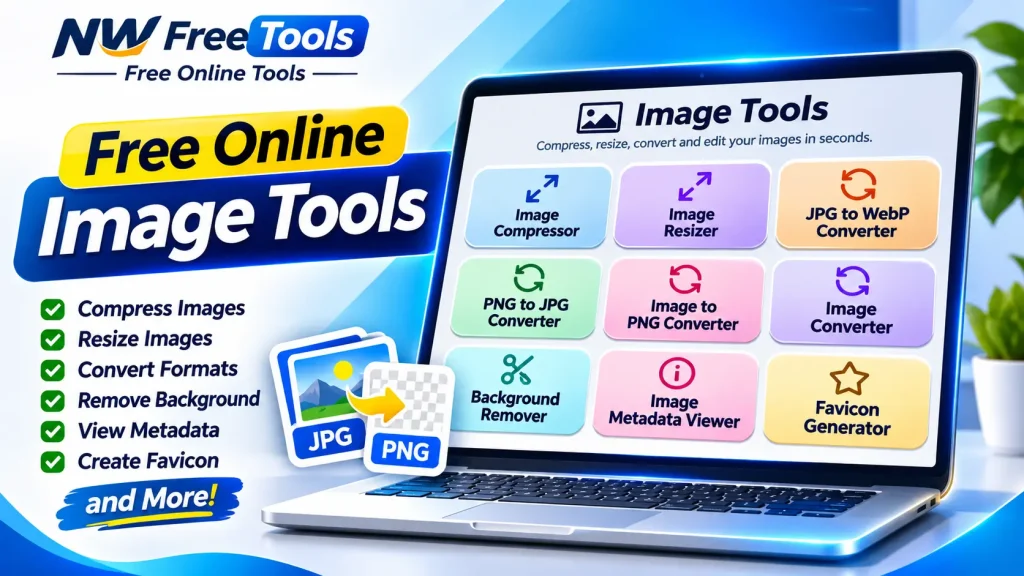
Looking for free online image tools? NW FreeTools makes it easy to compress, resize, convert, and edit images directly in your browser. Whether you need to reduce image size, change image formats, remove a background, or create a website favicon, you can find useful tools in one place.
No complicated software is required. Simply choose a tool, upload your image, and process it online.
Explore Free Image Tools at NW FreeTools
1. Image Compressor
Reduce JPG, PNG, and WebP image file sizes while keeping good visual quality. Useful for website images and everyday sharing.
Try: Free Image Compressor Online
2. Image Resizer
Resize images by width, height, or percentage while keeping the original aspect ratio. Prepare images for websites, social media, and other projects.
Try: Free Image Resizer Online
3. JPG to WebP Converter
Convert JPG images into lightweight WebP files. WebP can help reduce image file sizes for faster-loading websites.
4. PNG to JPG Converter
Convert PNG images to JPG with adjustable quality settings. Transparent areas become white in the converted JPG image.
Try: Free PNG to JPG Converter
5. Image to PNG Converter
Convert JPG, WebP, HEIC, and other supported image formats into lossless PNG files.
Try: Free Image to PNG Converter
6. Image Converter
Convert WebP, HEIC, PNG, and JPG images into JPG, PNG, or WebP formats using one simple tool.
7. Image Background Remover
Remove plain backgrounds from images and download transparent PNG files. You can also adjust settings for background removal.
Try: Free Image Background Remover
8. Image Metadata Viewer
View image information such as EXIF data, camera details, dates, and GPS information. You can also remove metadata and download a clean copy.
Try: Online Image Metadata Viewer
9. Favicon Generator
Create website favicons from an image, letter, or emoji. Generate favicon.ico, PNG icons, Apple touch icons, and a web manifest.
Why Choose NW FreeTools Image Tools?
- Free and easy-to-use online tools.
- No additional software installation.
- Image compression, resizing, and conversion in one place.
- Support for popular image formats.
- Multiple image processing options.
- Browser-based processing for supported tools.
Frequently Asked Questions
Are NW FreeTools image tools free?
Yes, you can use the available image tools online for free.
Can I use these tools on my mobile phone?
Yes, you can access NW FreeTools through a mobile browser.
Which image formats are supported?
Depending on the selected tool, supported formats include JPG, JPEG, PNG, WebP, and HEIC.
Do I need to install any software?
No. These tools work directly in your web browser.
Start Using Free Online Image Tools Today!
Make image editing and conversion easier with NW FreeTools. Compress images, resize pictures, convert formats, remove plain backgrounds, and create website favicons using simple online tools.
Explore now: Visit NW FreeTools – Free Online Tools


