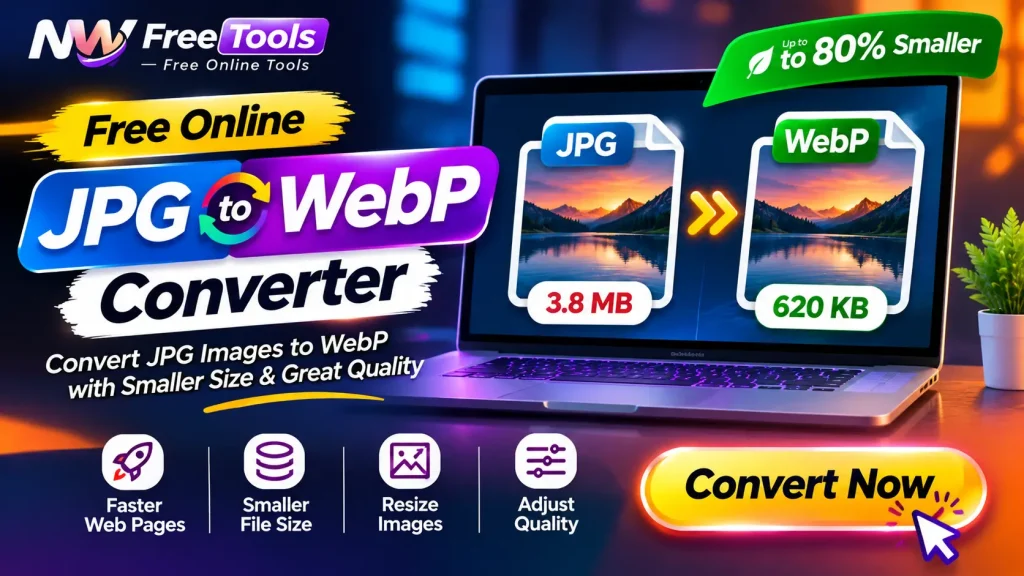
Free JPG to WebP Converter Online – Convert Images Easily
Looking for a free JPG to WebP Converter? NW FreeTools makes it easy to convert JPG images into WebP format directly in your browser without installing any software.
WebP is a modern image format that can provide smaller file sizes while maintaining good visual quality. It is especially useful for website owners, bloggers, and developers who want to optimize images for faster-loading websites.
Convert JPG to WebP Online for Free
With NW FreeTools, you can convert JPG images into WebP format in just a few clicks.
Key Features
- Free online JPG to WebP conversion.
- Adjust image quality settings.
- Resize images by width and height.
- Process multiple images together.
- Download converted images in ZIP format.
- No software installation required.
- Browser-based processing – images stay on your device.
How to Convert JPG to WebP?
Follow these simple steps:
- Visit the NW FreeTools JPG to WebP Converter.
- Select JPG images from your device.
- Adjust image width and height if needed.
- Choose your preferred quality settings.
- Click Process All.
- Download your converted WebP images individually or in a ZIP file.
Why Convert JPG Images to WebP?
WebP images can offer smaller file sizes compared to traditional JPG images at similar visual quality, depending on the image and compression settings.
Benefits of WebP Images
- Smaller image file sizes.
- Improved website loading performance.
- Reduced storage requirements.
- Better image optimization for websites.
- Convenient online image conversion.
Frequently Asked Questions
1. Is JPG to WebP Converter free?
Yes, NW FreeTools provides free online JPG to WebP conversion.
2. Can I convert multiple JPG images at once?
Yes, you can process multiple images and download them together in a ZIP file.
3. Does WebP reduce image quality?
Quality depends on the compression settings. You can adjust the quality level to balance file size and visual appearance.
4. Do I need to install software?
No. The converter works directly in your web browser.
5. Are my images uploaded to a server?
No. Image processing happens directly in your browser, keeping your images on your device.
Convert JPG to WebP Today!
Optimize your images with NW FreeTools. Convert JPG files to WebP, adjust image quality, and resize pictures quickly using our free online converter.
Try it now: Free JPG to WebP Converter – NW FreeTools


